

Every small business website needs SSL — and if yours doesn’t have it, your visitors are seeing a browser warning that says your site is “not secure.” That warning is enough to send most people straight to a competitor. SSL is no longer optional. It’s a basic requirement for any professional, trustworthy online presence, and it affects both your visitor experience and your Google rankings.
Here’s what SSL is, what it does for your small business website, and how to make sure you have it properly set up.
What Is SSL and What Does It Do?
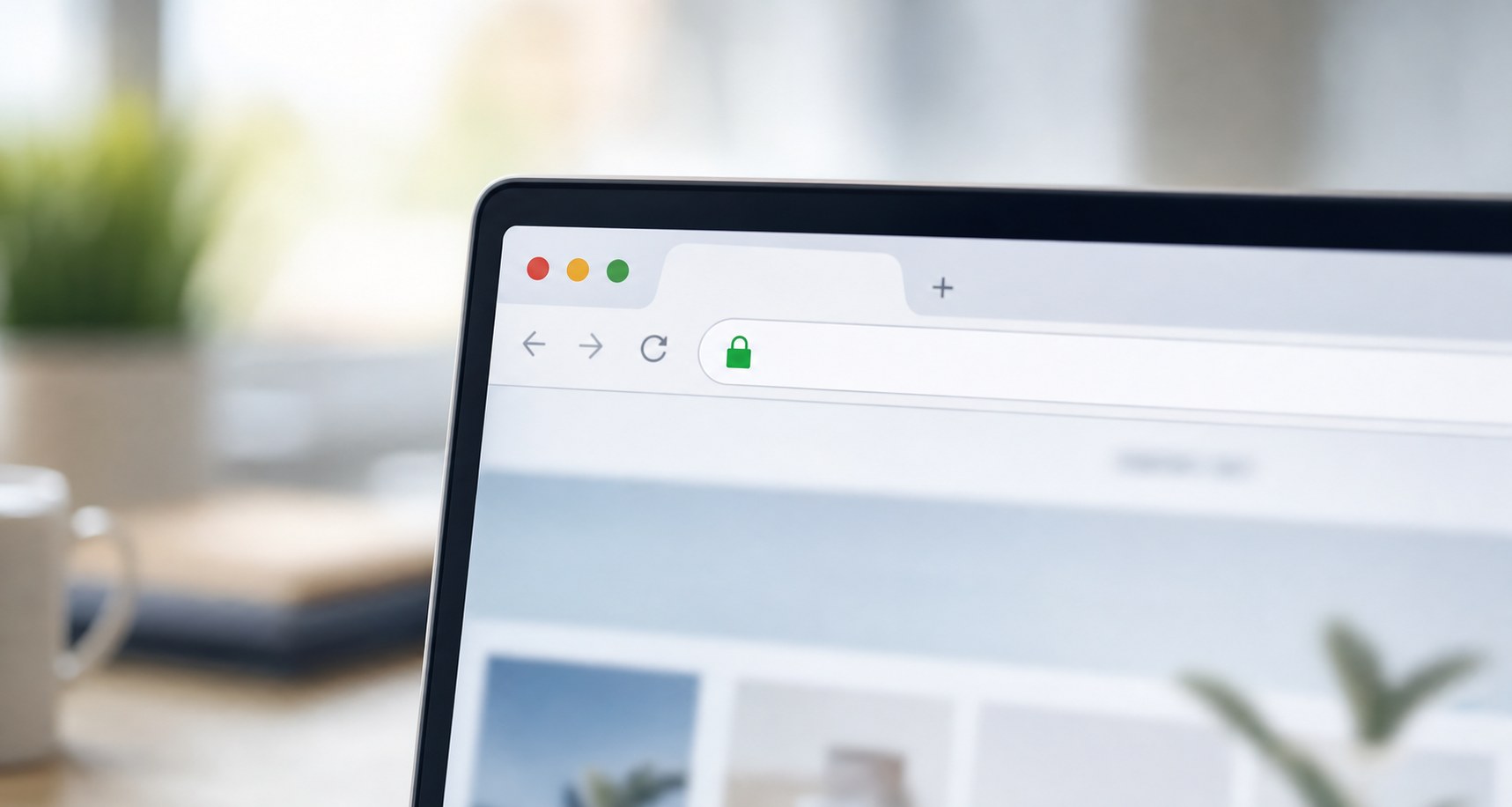
SSL stands for Secure Sockets Layer. In practical terms, it’s the technology that encrypts the connection between a visitor’s browser and your website. When SSL is active, your website URL begins with https:// instead of http://, and a padlock icon appears in the browser’s address bar.
The encryption it provides means that data passing between your site and a visitor — form submissions, contact details, anything entered on a page — is protected from being intercepted. For a business that collects names, email addresses, or any other personal information, this protection is essential.
However, SSL matters even if your site doesn’t collect sensitive data. Google and modern browsers use HTTPS as a trust and ranking signal regardless of whether payments or logins are involved.
SSL vs. TLS: Is There a Difference?
You may also see the term TLS, which stands for Transport Layer Security. TLS is the updated version of SSL. Most modern certificates are technically TLS, but the term “SSL certificate” is still commonly used in the industry. When someone refers to getting SSL for a small business website, they generally mean the same thing.
Why Your Small Business Website Needs SSL
Google Made HTTPS a Ranking Signal
In 2014, Google officially announced that HTTPS is a ranking signal. Sites without SSL can rank lower than equivalent sites that have it. Because of that, not having SSL doesn’t just affect visitor trust — it affects how many people find your site through search in the first place.
Google’s announcement on HTTPS as a ranking signal confirmed this publicly, and the weight of HTTPS in rankings has only grown since.
Browsers Flag Non-HTTPS Sites as Not Secure
Chrome, Firefox, Safari, and other major browsers display a “Not Secure” warning in the address bar for any site that loads over HTTP. When a visitor sees that warning, many of them leave immediately — especially on pages with contact forms. First impressions matter, and a security warning is a damaging one.
It Protects Your Visitors
Even if you’re not processing payments, visitors submit information on contact forms, quote requests, and newsletter sign-ups. Without SSL, that data travels unencrypted. With it, the connection is secured, and visitors can trust that their information is protected.
It’s Expected at This Point
For any business trying to appear professional and credible online, HTTPS is now simply expected. A site without it looks outdated and raises questions about how seriously the business takes its online presence. Customers notice — even if they don’t consciously think about why something feels off.
How SSL Works on a WordPress Site
Getting SSL on a WordPress website involves a few steps: obtaining an SSL certificate, installing it on your hosting server, and configuring WordPress to load everything over HTTPS. Most quality hosting providers include SSL certificates as part of their plans — often through Let’s Encrypt, which provides free, automatically renewing certificates.
Additionally, using Cloudflare adds another layer of SSL and security between your website and the internet. Cloudflare’s network handles SSL at its edge servers, which also improves the speed at which your secure connection loads.
What Can Go Wrong Without SSL
Beyond the browser warnings and ranking impact, running your small business website without SSL creates specific practical risks:
- Contact form submissions can be intercepted in transit
- Google may deindex or deprioritize your pages over time
- Mixed content errors can occur if SSL is partially applied, breaking your site’s appearance
- Visitors who see the “Not Secure” warning are significantly less likely to fill out a form or call
Make Sure Your SSL Is Set Up Correctly
Getting SSL isn’t just about having the certificate installed. It also needs to be configured so that all traffic redirects from HTTP to HTTPS, and that your WordPress site isn’t loading any mixed content — images or scripts that still load over HTTP even on an HTTPS site. These configuration details matter and are easy to miss on a self-managed setup.
At CW Dev Design, every site we build includes proper SSL setup, HTTPS configuration, and Cloudflare integration as standard. Your visitors get a secure, trusted experience from day one — and so does Google.
Not sure if your SSL is set up correctly? Reach out to CW Dev Design and we’ll check your site’s security configuration. It’s a quick look that can make a real difference for your rankings and visitor trust.