

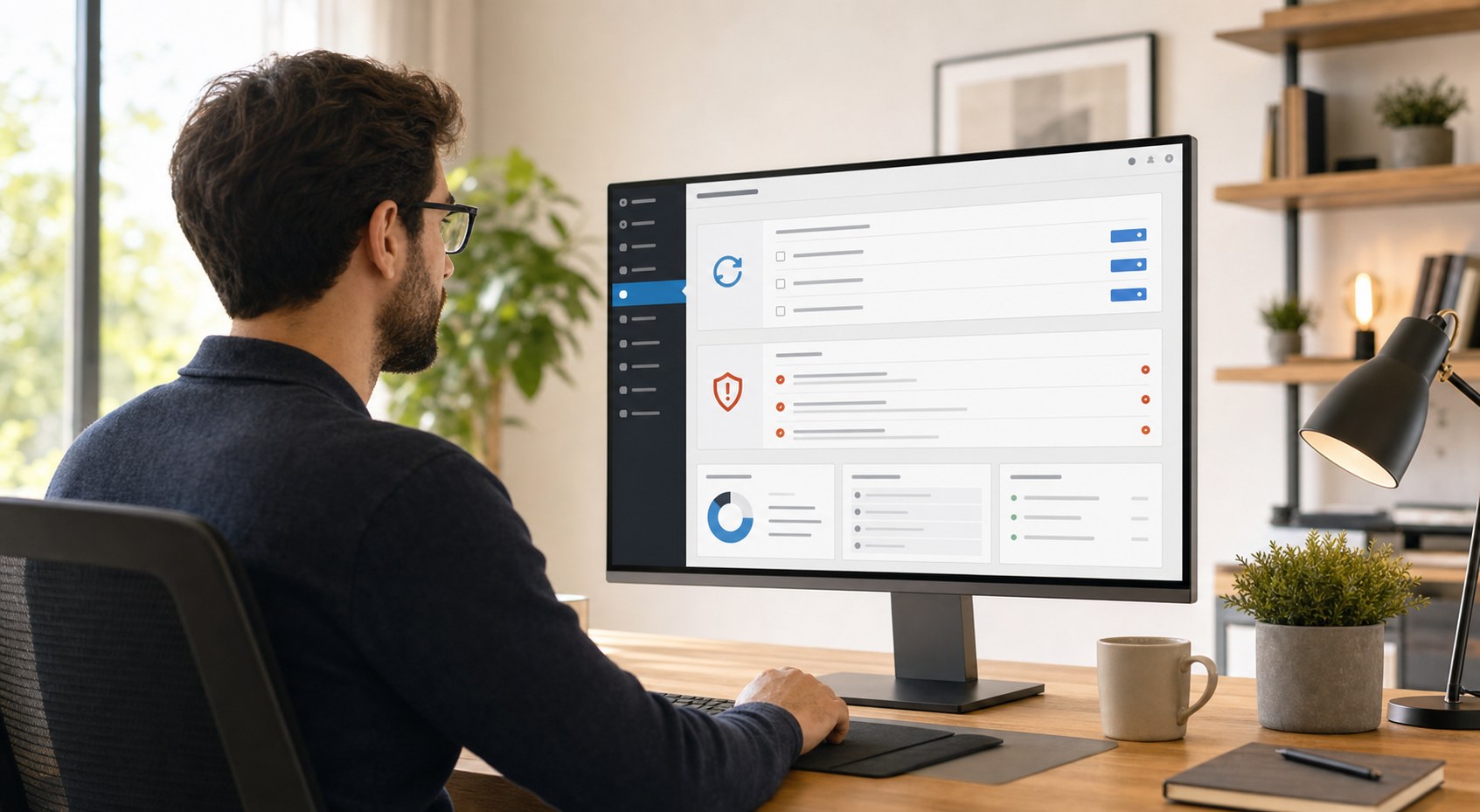
WordPress website maintenance is easy to overlook once your site is live. You launch, move on to running your business, and assume the site will keep working on its own. For a while, it might. However, skipping maintenance over time creates real problems — slow pages, security vulnerabilities, and broken features — that quietly cost you customers and credibility.
This post explains what WordPress website maintenance actually involves, what goes wrong when it’s neglected, and why treating it as a regular business task pays off.
What WordPress Website Maintenance Actually Covers
Maintenance is more than checking that your homepage loads. A well-maintained WordPress site involves several layers of upkeep working together to keep it fast, secure, and reliable.
Plugin and Theme Updates
WordPress relies on plugins for almost everything — contact forms, SEO tools, galleries, and booking systems. Plugin developers release updates regularly, and many of those updates fix known security vulnerabilities. When you delay updates, you leave those gaps open.
Theme updates work the same way. An outdated theme can conflict with newer WordPress versions or contain flaws that a patch would have closed. Staying current is one of the simplest ways to protect your site.
WordPress Core Updates
WordPress itself releases updates throughout the year. These include bug fixes, performance improvements, and critical security patches. According to the WordPress security documentation, the majority of compromised sites are running outdated plugins, themes, or core versions — all of which regular maintenance addresses.
Backups
Regular backups mean that if something goes wrong — a failed update, a hack, or an accidental deletion — you can restore your site quickly. Without a current backup, recovery becomes expensive, slow, or sometimes not possible at all.
Uptime and Performance Monitoring
Monitoring tools check whether your site is online and how fast it loads. If your site goes down overnight and nobody notices until the next afternoon, that’s hours of missed leads. Uptime monitoring catches problems early so they can be fixed before they do real damage.
What Happens When You Skip Maintenance
The consequences of neglecting WordPress website maintenance tend to build up quietly — until they become urgent.
Your Site Becomes a Target for Hackers
Hacked websites are far more common than most people expect. Automated bots scan the web around the clock looking for sites running outdated software. A successful attack can result in your site redirecting visitors to scam pages, serving spam, or being blacklisted entirely by Google.
Cleaning up a hacked WordPress site takes time and money. In some cases, significant portions of the site need to be rebuilt. Prevention through regular maintenance is far cheaper than recovery.
Your Site Slows Down Over Time
An unmaintained WordPress database accumulates clutter — old post revisions, expired transients, and spam comments. This overhead adds up and slows down page load times. Because website speed is a Google ranking factor, a slower site ranks lower and loses visitors before the page even finishes loading.
Plugins Break and Features Stop Working
When multiple plugins fall behind on updates, compatibility issues develop. Forms stop submitting. Buttons stop responding. Images stop loading. These problems are sometimes subtle enough that you don’t catch them — but your visitors notice immediately, and they leave.
You Lose Business Without Realizing It
A broken, slow, or offline website creates a poor first impression. Visitors leave, forms go unsubmitted, and calls never happen. Because these failures often occur outside business hours, they frequently go unaddressed for days or weeks.
A Practical WordPress Maintenance Schedule
A realistic maintenance routine for a small business WordPress site typically includes the following:
- Weekly: Check for and apply plugin and theme updates — ideally tested on a staging copy before going live
- Monthly: Review site speed, clean the database, check for broken links, and confirm backups are current
- Quarterly: Audit user accounts, review security logs, and test contact forms and key pages
- Ongoing: 24/7 uptime monitoring with alerts if the site goes offline
This routine doesn’t require constant attention. However, it does require someone to own it — whether that’s you or a professional who handles it on your behalf.
DIY Maintenance vs. Hiring a Professional
If you’re comfortable in the WordPress dashboard and stay on top of updates consistently, handling basic maintenance yourself is possible. That said, there are clear advantages to having an expert manage it.
A developer handling WordPress maintenance knows how to test updates before they break something on the live site, how to restore from backup quickly, and how to spot early signs of compromise. Additionally, they monitor your site continuously — not just when you happen to log in.
For most business owners, the time spent managing maintenance manually — or the cost of recovering from a breach — is greater than the cost of having it handled professionally.
Keep Your Site Working as Hard as You Do
Your website is often the first impression a new customer gets of your business. A site that’s slow, broken, or compromised sends the wrong signal. Regular WordPress website maintenance keeps it fast, secure, and reliable so it keeps working for you around the clock.
At CW Dev Design, ongoing maintenance and support are part of how we help small businesses protect their investment and stay focused on what they do best. If you’re unsure whether your WordPress site is being properly maintained, we’d be glad to take a look.
Ready to stop worrying about your website? Contact CW Dev Design to talk through your maintenance needs — no pressure, just a clear conversation about where your site stands.